
View purchase orders
- Click on the “Navigation Bar”.
- Select “Orders”.

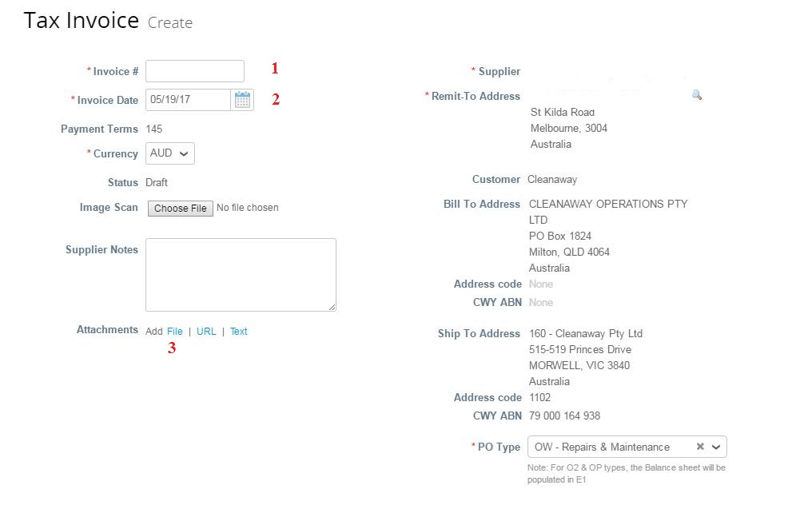
Click on the PO Number to open the PO. Click on the Gold Coins to create an invoice, or click on the Red Coins to create a Credit.
View invoices
- Click on the “Navigation Bar”.
- Select “Invoices”.
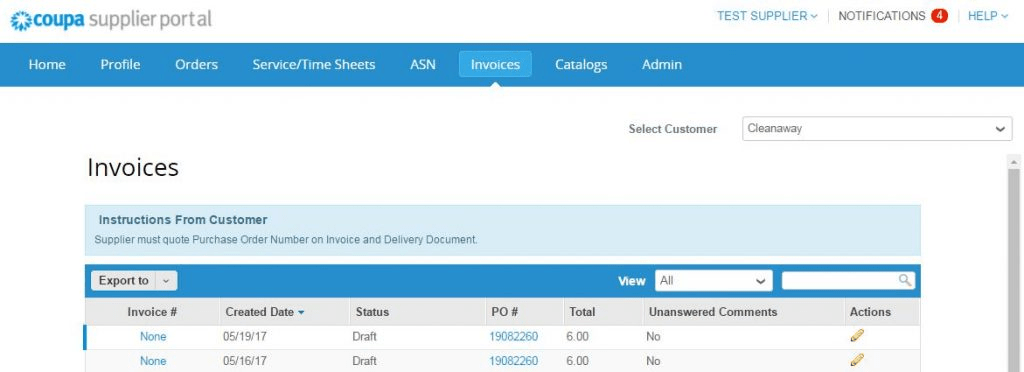
You will see all invoices submitted by your personnel.
Need help?
Access the “CSP Tour” and “Online Help” via ? icon (top right of your screen).